Rethinking the ER Journey
Roles
UX Research, UX/UI Design, Product design & develop
Tools used

Duration
3 weeks
Overview
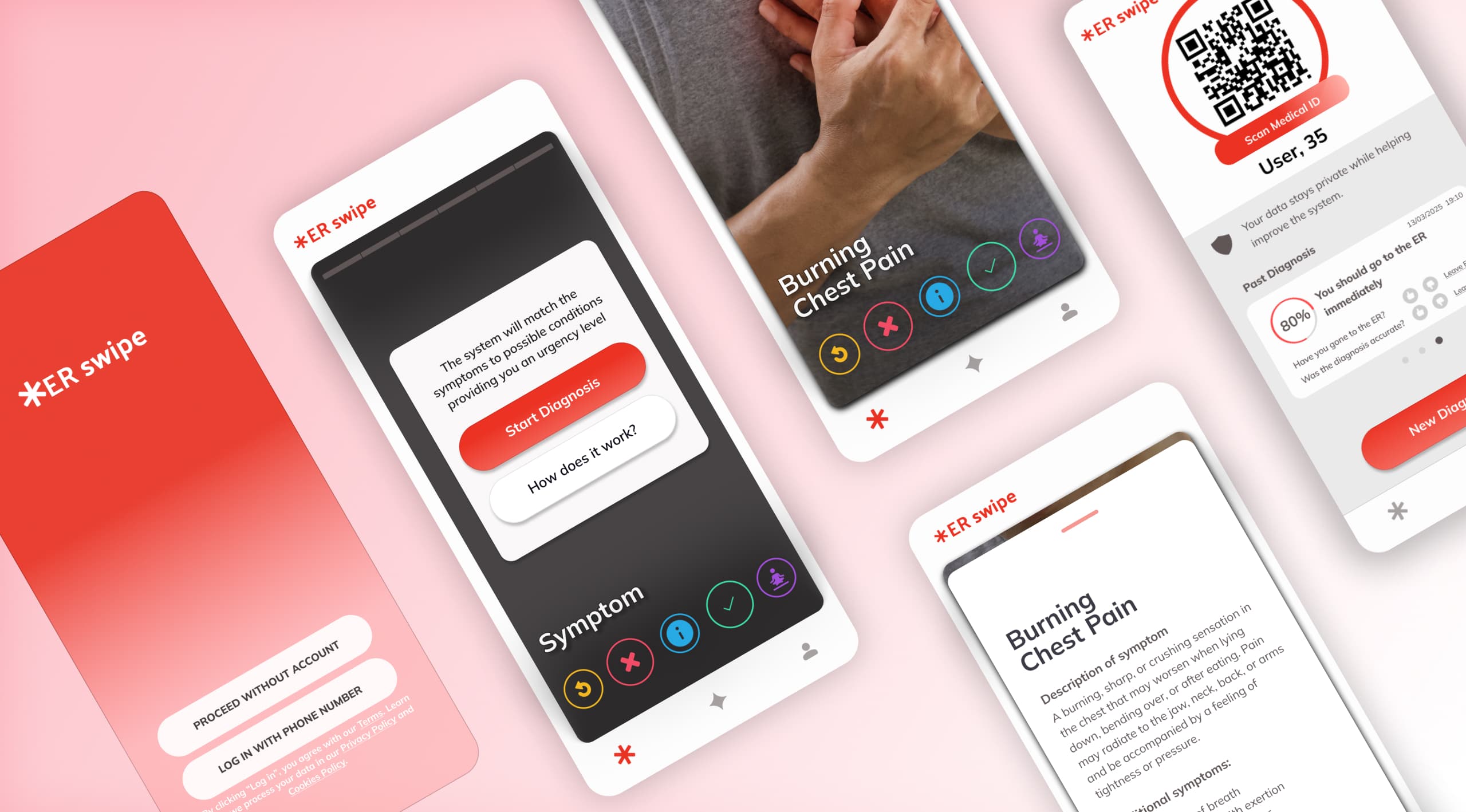
Dutch ERs triage by phone or form before patients arrive: slow, error-prone, and blind to real urgency. ER Swipe replaces that with a guided, swipe-based symptom check.
Problem statement
ERs have no read on urgency before a patient walks in
For hospitals, this isn't only a patient-experience issue: misrouted or unpredicted ER traffic drives up wait times and strains staff capacity. The primary goal is to create a more user-friendly and efficient system that ensures patients with urgent needs receive prompt care while managing the workload of healthcare providers.
Research & insights
What existing tools miss, and what patients actually struggle with
Landscape research showed no single tool combined guided symptom input with a live, patient-facing urgency score. Testing then showed exactly where that gap causes friction.
Brain writing and SCAMPER
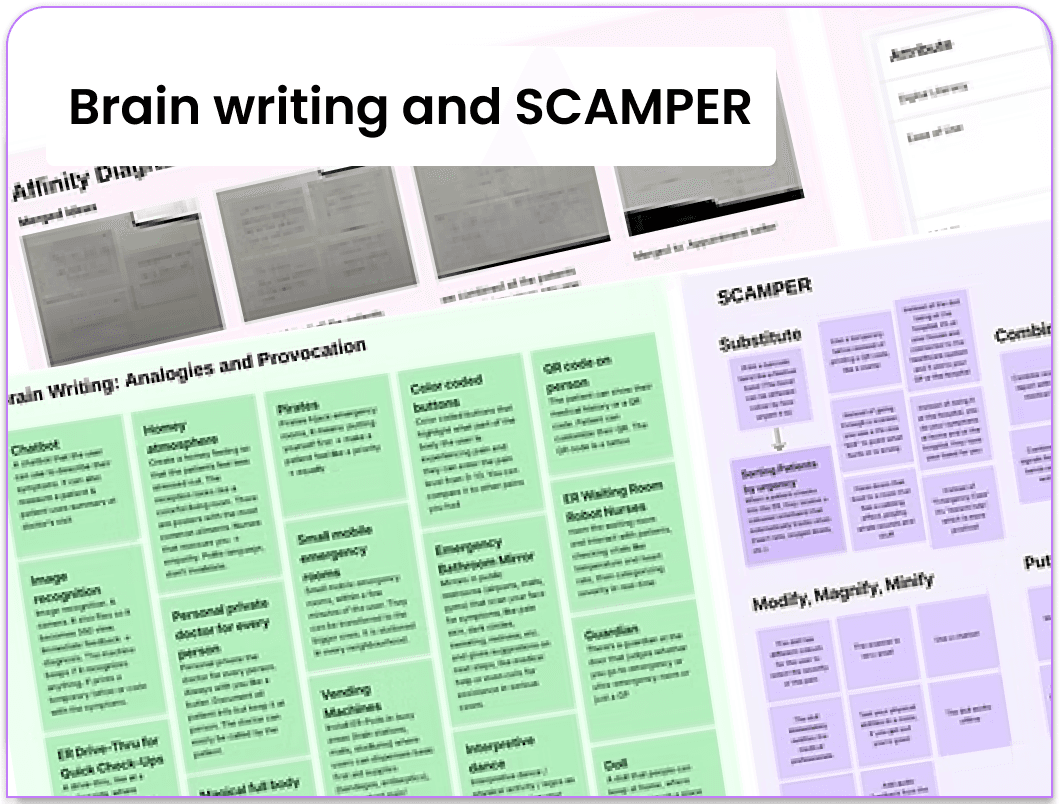
Over 30 ideas were generated using Brain Writing, analogies and provocation, and SCAMPER, then converged and organised using affinity diagramming and a 3-way comparison, resulting in 20 well-defined concepts.
Research through Design
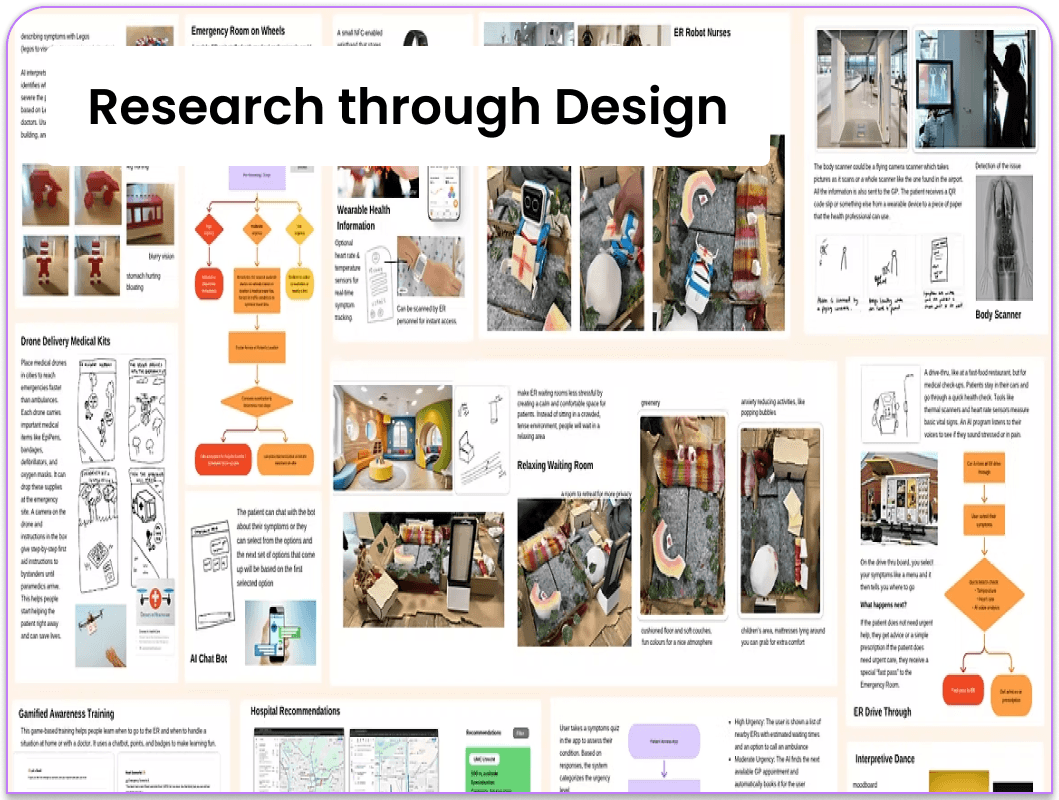
Then low-fidelity prototypes were built for each concept to visualize the ideas in a more concrete way, which helped to reveal their potential strengths and, in some cases, significant flaws.
12-Criteria evaluation framework
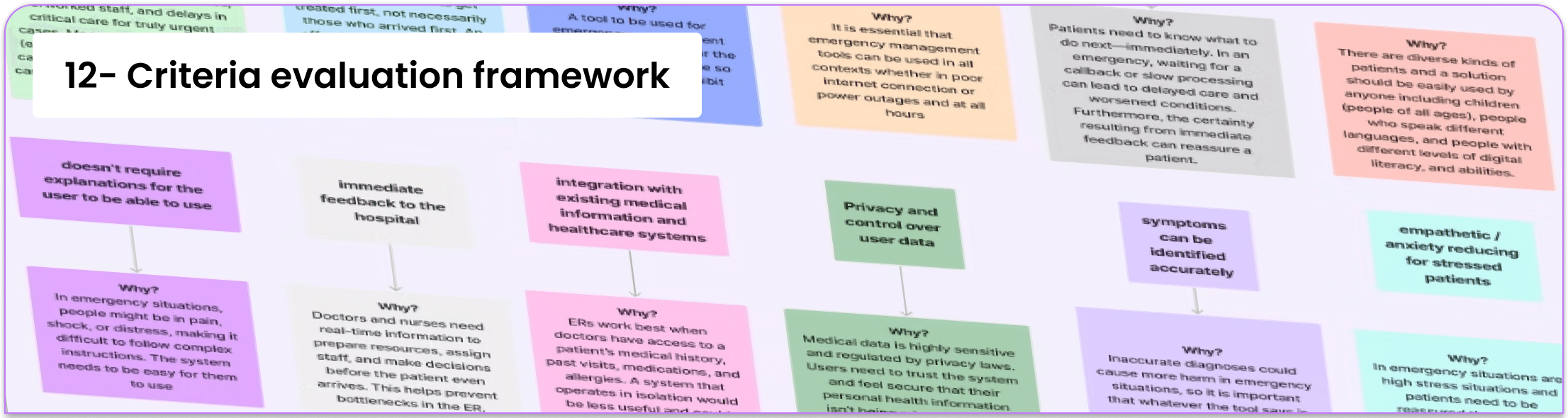
The final concepts were evaluated against 12 design criteria defined up front, covering feasibility, patient stress, and clinical usefulness, and selected using different methods (Four categories method, Now-Wow-How-Ciao method). This led to the final idea of ER Swipe.
Landscape research on existing tools
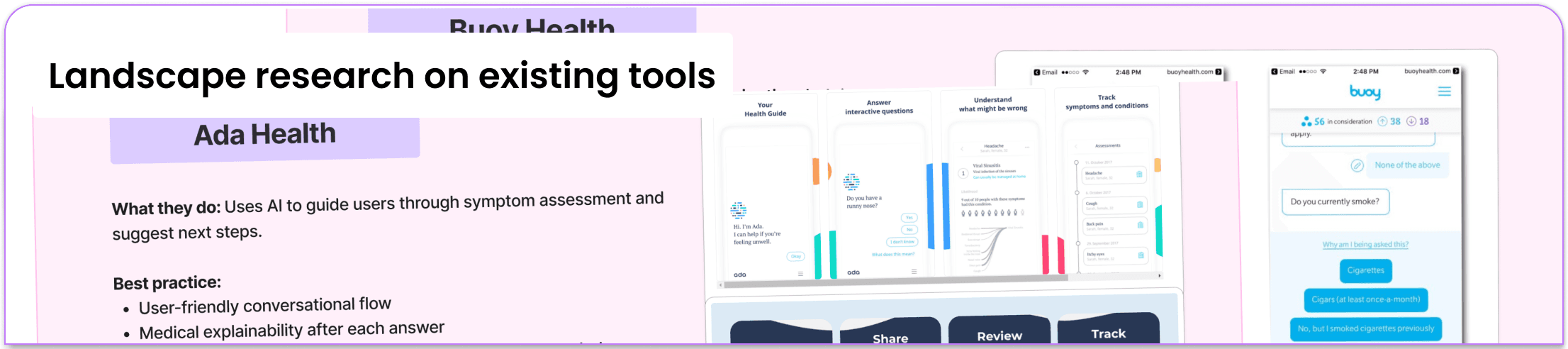
Existing tools each solved a piece of the problem but not the whole one: TriageGO applies ML to urgency scoring, Ada Health offers interactive symptom checking, Butterfly iQ3 uses image recognition for diagnostics, and Qventus and Google Maps use crowd-sourced data to predict wait times. No tool combined guided symptom input with a live, patient-facing urgency score, which is the gap that shaped ER Swipe.
User testing
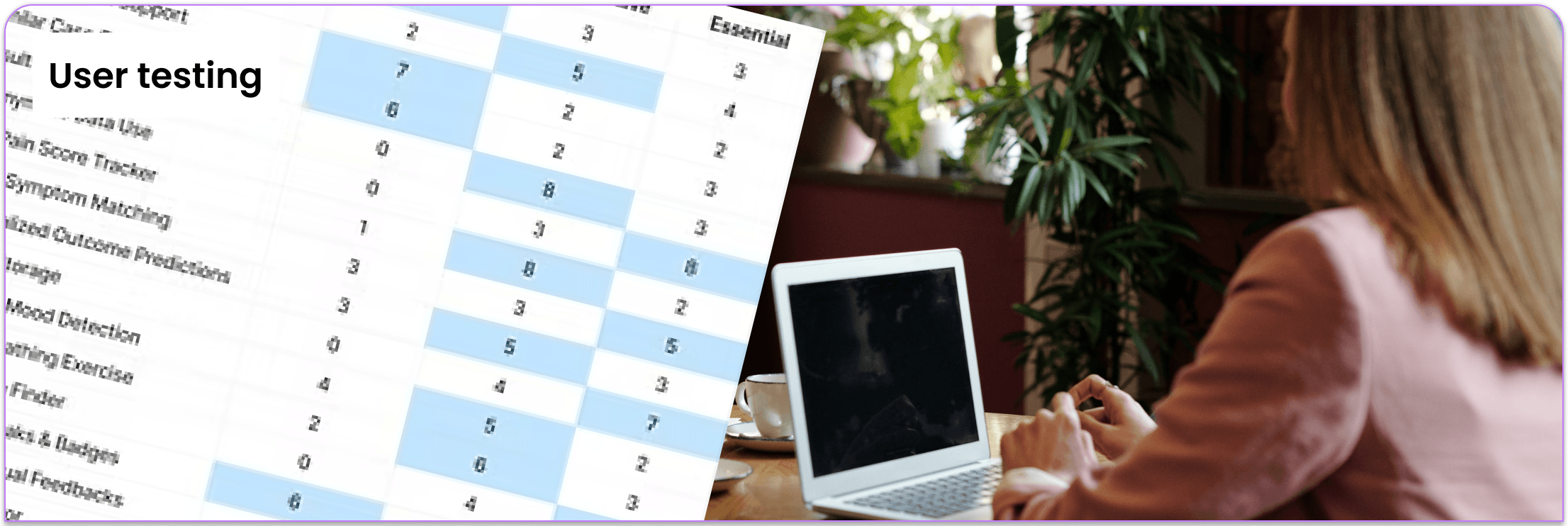
Card sorting with 11 participants shaped the question flow, surfacing which symptom categories and question order actually made sense to people under stress. Think-aloud testing on the resulting prototype then found the process overwhelming for anxious users, which is what led to Calm Mode.
Prioritization
What didn’t move forward
Of the 12-criteria evaluation, three concepts passed: HospitalRecommender, Body Scanner, and ER Swipe. HospitalRecommender was dropped after this stage: it solved hospital selection but not the more urgent problem of in-the-moment triage. Body Scanner advanced alongside ER Swipe as a complementary concept (a physical device for rapid at-entrance diagnosis), but isn't detailed here; this page focuses on ER Swipe as the primary solution.
Solution & process
A guided, swipe-based symptom check with a live urgency score
What it does
ER Swipe lets patients answer a short series of swipe-based questions about their symptoms before they arrive. An AI model reads their answers and generates a live Pain Score, which the app uses to flag urgency and route them toward the right department, while giving the hospital an early signal of who's coming in and how serious it is.
Three features
Live pain score
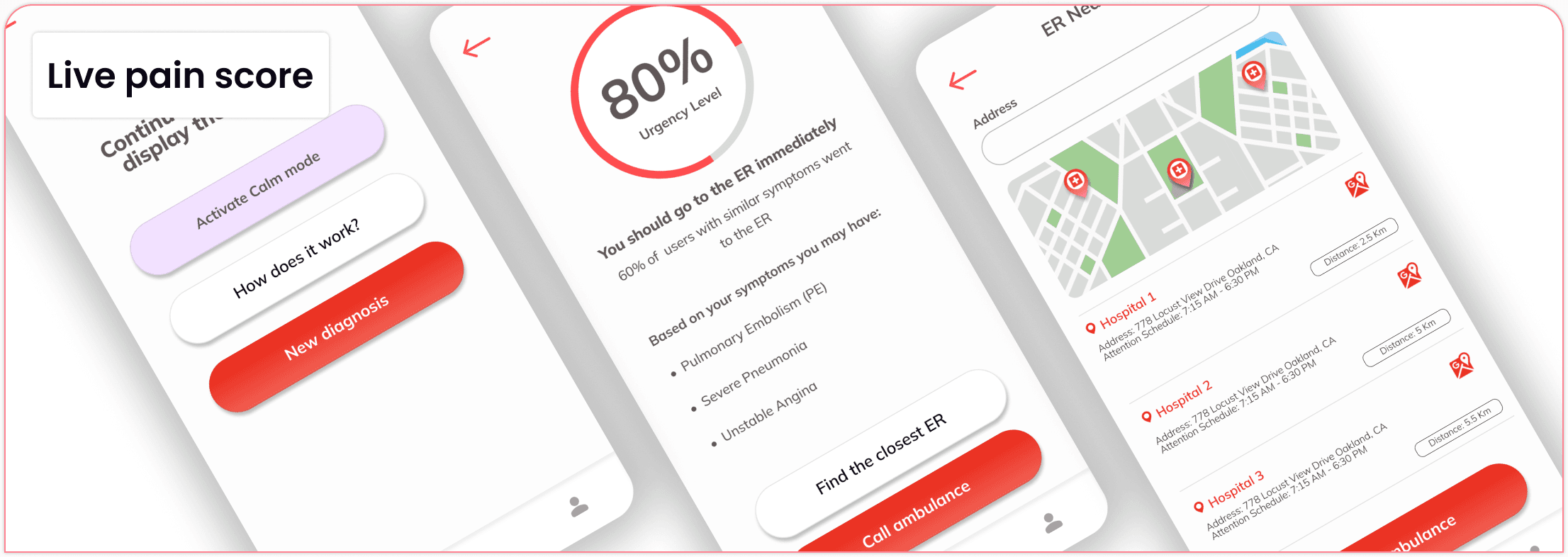
Users swipe to confirm or deny symptoms, and the app's AI analyzes this input along with other data points to generate a “Pain Score” and recommend the next course of action.
Medical ID integration
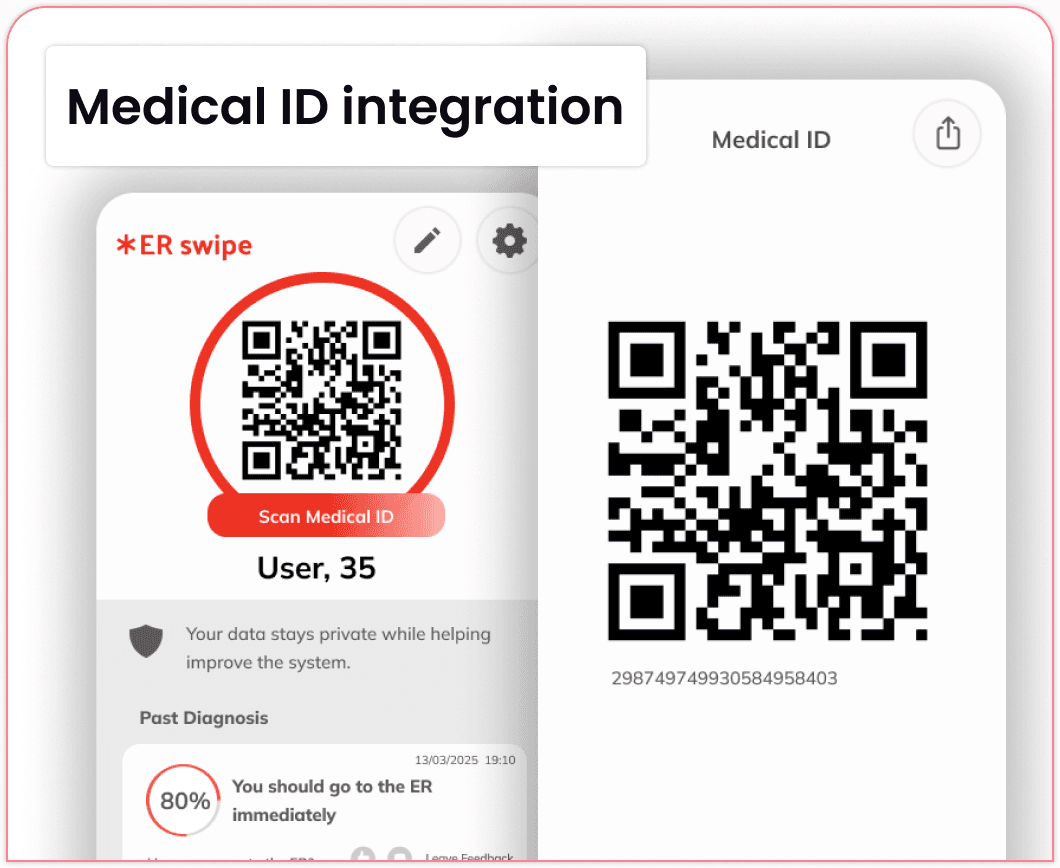
Pulls in existing medical info securely, so patients aren't re-explaining chronic conditions or allergies under pressure.
Calm mode
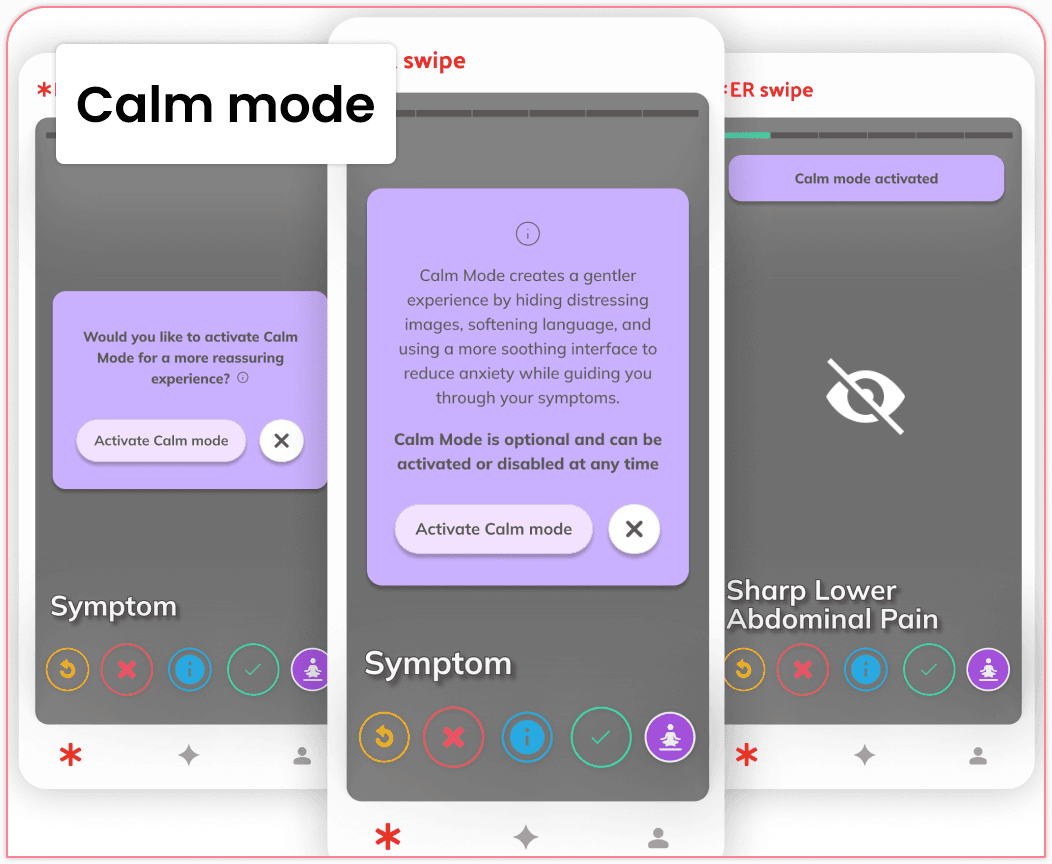
Users swipe to confirm or deny symptoms, and the app's AI analyzes this input along with other data points to generate a “Pain Score” and recommend the next course of action.
Data science
How it works
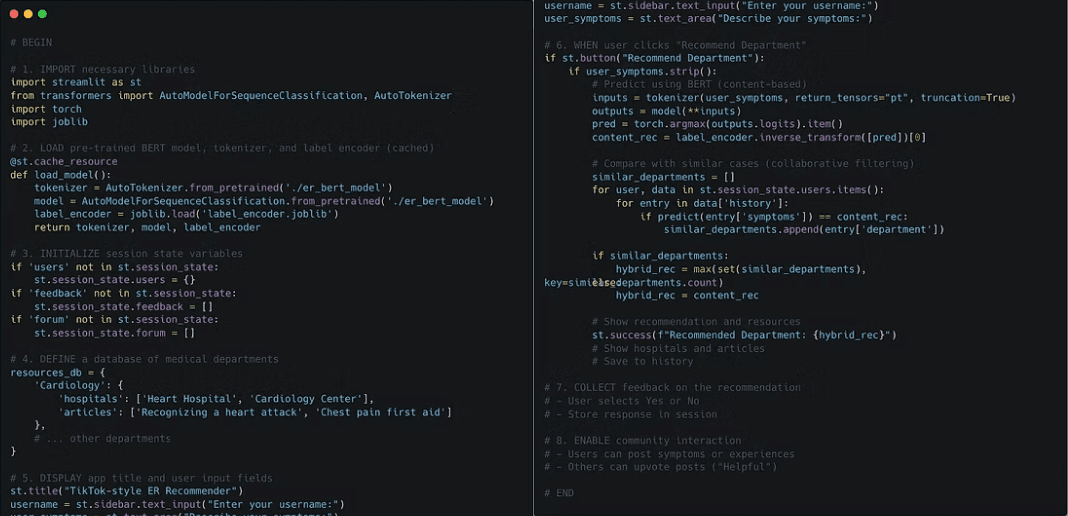
Under the hood, a BERT-based language model classifies each set of symptom answers and recommends the correct hospital department, the same kind of pattern used by recommendation systems, applied to triage instead of content.
Human in the loop
Continuous refinement
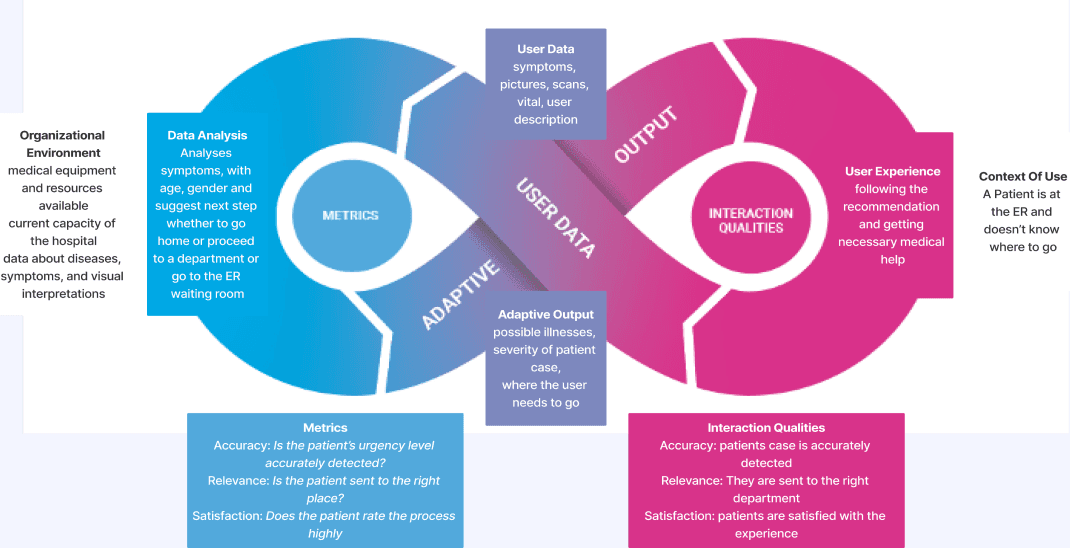
A continuous feedback loop refines the app's recommendations based on user-reported symptoms and feedback on diagnostic accuracy.
Results
ER Swipe was one of three concepts to survive a 12-criteria evaluation against 29 initial ideas, and it kept getting reshaped by what testers actually did, not just what they said they wanted.
Signal that changed the design: Think-aloud testing on the working prototype surfaced a real risk: the process itself felt overwhelming to anxious users, the exact group ER Swipe is meant to serve. That single finding is what led directly to Calm Mode, rather than treating anxiety-reduction as a nice-to-have.
Projected impact: Because urgency misjudgment (not price or effort) was the core problem, the Live Pain Score and Medical ID Integration are designed to remove the two moments most likely to cause drop-off or under-reporting: not knowing if your case is “serious enough,” and re-explaining a known condition under pressure.
Metric that would actually validate it: Not app downloads. The metric that matters is triage accuracy: whether the BERT recommender's department suggestion matches what a clinician would decide, since a swipe interface that's pleasant but routes people incorrectly hasn't solved anything.